Turn Your Slow PC Into a Fast Computer
Is your old laptop or desktop running slow? A professional HDD to SSD Upgrade in Kannur can dramatically improve boot time, application loading, file transfers and overall system responsiveness.
At Zayan Computers, we provide professional SSD installation and HDD-to-SSD cloning for Windows and supported Apple computers.

Give Your Old Computer a New Life
Traditional HDDs use spinning mechanical components. SSDs use flash memory, making them significantly faster and more resistant to physical shock.
Zayan Computers makes the upgrade simple. Depending on your computer and requirements, we can perform a professional SSD installation or clone your existing HDD to the new SSD.
Your existing operating system, software, files and user settings can be preserved when the device and cloning conditions support a successful migration.

Advantages of an SSD
A modern SSD can transform the everyday experience of an older laptop or desktop.
Significantly Faster
Much quicker boot times, application loading and file transfers compared with traditional HDD storage.
Better Durability
SSDs have no moving parts, making them more resistant to physical shock and vibration.
Lower Power Consumption
Lower storage power consumption can help reduce heat and improve battery efficiency on compatible laptops.
Silent Operation
No spinning platters or mechanical read/write heads means quiet storage operation.
Better Multitasking
Faster read/write performance helps applications and multitasking feel more responsive.
Extend Computer Life
An SSD upgrade can make many older computers much more practical for modern daily work.

HDD to SSD Cloning
Our professional cloning service is designed to make the transition from HDD to SSD as smooth as possible.
- Existing files can be transferred to the new SSD.
- Operating system and supported applications can be migrated.
- User settings and desktop environment can be preserved.
- Avoids the need for a complete fresh installation when cloning is suitable for the device.
- Reduces downtime for personal and business users.
- The computer can be ready to use after successful migration.
Important: Data migration results depend on the condition of the original drive, available capacity, partition structure and compatibility of the target SSD. Always maintain a backup of important data.
Computers We Can Upgrade
We provide HDD-to-SSD upgrade services for many Windows and Apple computers.
Branded Laptops
HP, Dell, Lenovo, ASUS, Acer and other major branded laptops, subject to hardware compatibility.
Desktop PCs
Professional HDD replacement and SSD installation for compatible desktop computers.
All-in-One PCs
SSD upgrades for compatible branded all-in-one desktop systems.
Apple iMac
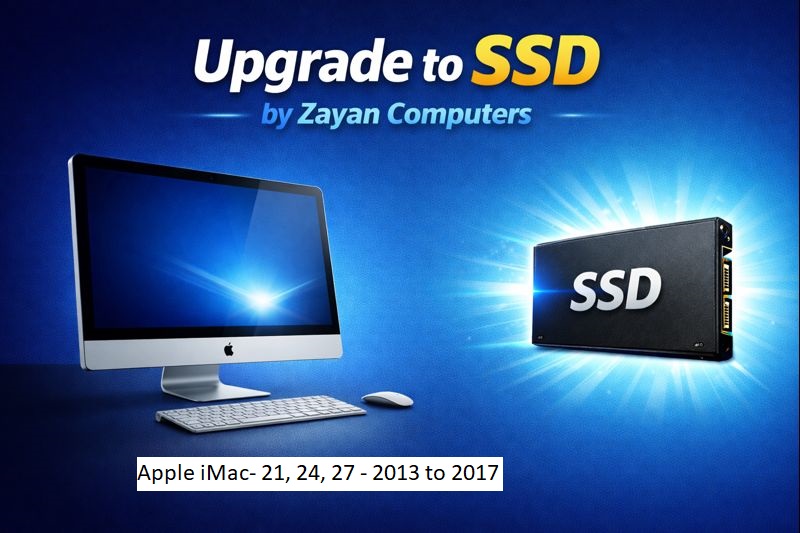
Selected iMac models including supported 21-inch, 24-inch and 27-inch systems.
Mac Mini
SSD upgrade solutions for compatible Apple Mac Mini systems.
MacBook Pro
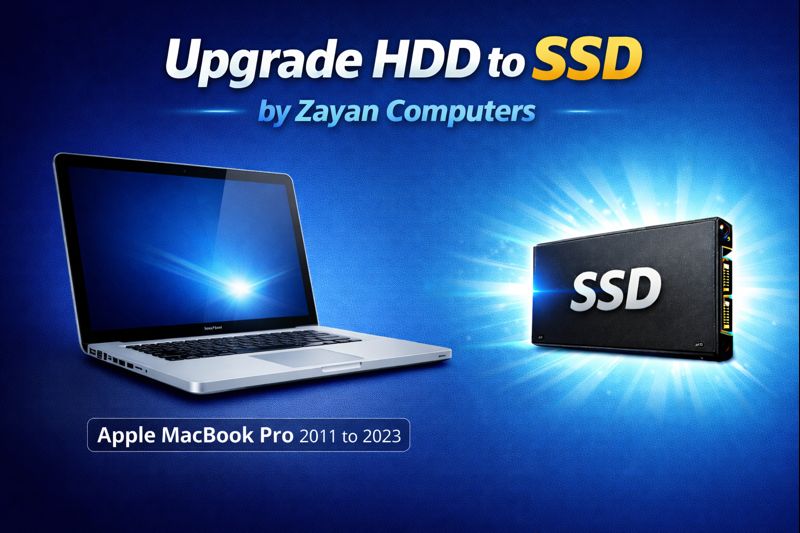
Selected older MacBook Pro models, subject to model and hardware compatibility.
Why Upgrade to SSD?
For most everyday computing, SSD storage provides a much more responsive experience than traditional mechanical HDD storage.
💽 Traditional HDD
- ❌ Mechanical moving parts
- ❌ Slower boot time
- ❌ Slower application loading
- ❌ Mechanical noise
- ❌ More sensitive to physical shock
- ❌ Higher mechanical wear
⚡ Modern SSD
- ✓ No moving parts
- ✓ Much faster boot time
- ✓ Faster application loading
- ✓ Silent operation
- ✓ Better shock resistance
- ✓ Lower power consumption
HDD to SSD Upgrade at Your Home
Can't bring your computer to our service center? Zayan Computers offers home and office HDD-to-SSD upgrade service in Kannur, subject to service-area availability.
- ✓ Express service available
- ✓ Home & office upgrade service
- ✓ Pickup & delivery available for compatible computers
- ✓ Windows & Apple computer support
- ✓ SSD can be supplied by Zayan Computers
The original website states an upgrade can be completed within approximately 2 hours in suitable cases. Actual time depends on the computer, SSD, cloning requirement and condition of the HDD.
Simple & Professional Upgrade
Check Your Computer
We check the model, existing drive and upgrade compatibility.
Choose SSD
We recommend a suitable SATA, M.2 or NVMe SSD when compatible.
Clone or Fresh Install
Choose data migration or a clean operating-system installation.
Testing & Delivery
We test booting, storage and system performance before delivery.
Which SSD Do You Need?
The correct SSD depends on the computer's motherboard, interface and physical form factor.
SATA SSD
A common upgrade option for laptops and desktops currently using a 2.5-inch SATA HDD or compatible SATA storage interface.
M.2 SATA SSD
Compact SSD format used in compatible laptops, desktops and other systems supporting M.2 SATA storage.
M.2 NVMe SSD
High-speed PCIe/NVMe storage for compatible systems designed to support modern NVMe drives.
Frequently Asked Questions
What is an SSD?
What is an HDD?
What is the difference between HDD and SSD?
Will an SSD make my old laptop faster?
Can you transfer my existing data to the SSD?
Do I need to reinstall Windows after an SSD upgrade?
What types of SSD are available?
Do you provide home service in Kannur?
Ready to Upgrade Your Computer?
Contact Zayan Computers for a professional HDD-to-SSD upgrade assessment in Kannur.
Fort Road, Kannur,
Kerala – 670001
Sunday: Closed
Request an SSD Upgrade
Tell us about your computer and we will contact you.
Don't Replace Your Computer Yet. Try an SSD Upgrade.
A professional HDD-to-SSD upgrade can give an older compatible computer a dramatically faster and more responsive experience.
📍 Ground Floor, VK Complex, Fort Road, Kannur, Kerala – 670001